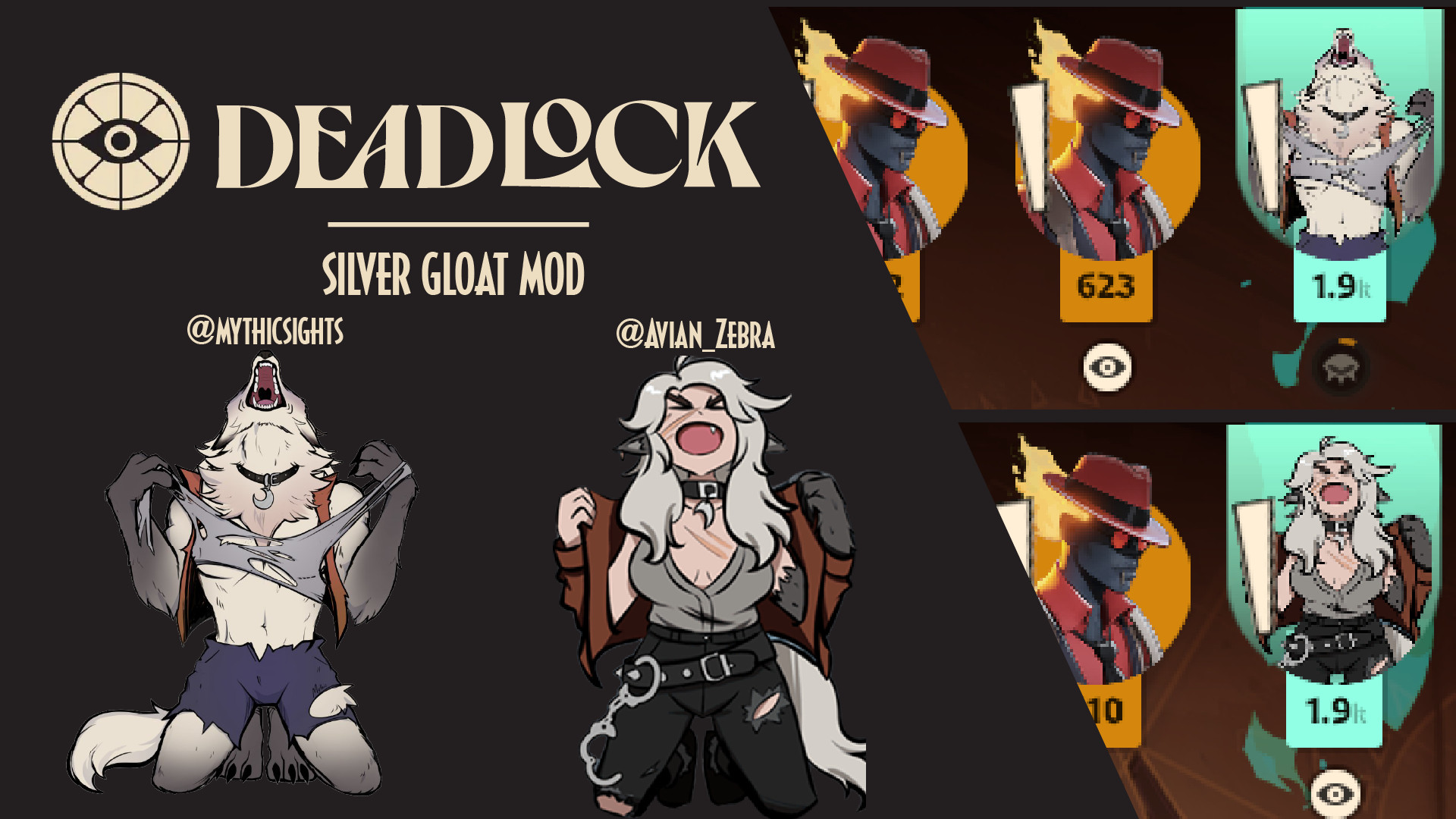
Загрузка…


updates this, but also colors text and makes it compatible with QOL
Installation Instructions:
If using QOL lock...• Download the file named either 74, 75, 76, or 77 and extract here; OR, Use a mod manager and press install.
• Rename the file to be a higher priority than QOL lock (if QOL lock is pack07_dir.vpk, make this mod pack06_dir.vpk or lower.)
If not using QOL lock...• Download the file named 01 (the vanilla version) and extract here; OR, Use a mod manager and press install.
• If there are any problems with how it looks, it is likely a problem with priority. Like above, rename the file to be higher priority than the problem file (some mod managers such as Grimoire have sections to handle this.)
My QOL settings for your convenience:
[QOL-4-0-5]:AigUSxQjZMhODg8lk6khZCAD10EtDBSAQ0EGAIKiYWRkZIxYQjZiCRlkAKBQxhghgwyAjCAcWFoyAicDy8HjAUsswRJLZB5kzgAAAAAyyJAhIUMmQ8kHBowMSzIBAFCWyChLZGT0U5bIKEtkzKuU8ryKIkMGAAAAoAWgIyNbkZEpkP8fpRqQpJWQQSYAk5HJ0MjI-P-T4S76AAg