Загрузка…

⚠️ BEFORE YOU INSTALL - BACKUP YOUR FILES ⚠️
SAVE YOUR OWN FILES BEFORE REPLACING THEM WITH MINE, ESPECIALLY video.txt -
YOU'LL NEED THE INFO FROM YOUR ORIGINAL video.txt FOR THIS CONFIG TO WORK CORRECTLY.
File locations (Steam default install):
- gameinfo.gi: Steam\steamapps\common\Deadlock\game\citadel\gameinfo.gi
- video.txt: Steam\steamapps\common\Deadlock\game\citadel\cfg\video.txt
(Path may differ slightly if you installed the game on another drive/library - right click Deadlock in Steam, Manage > Browse local files, then go into game\citadel)
What this is
This config won't give you a massive fps boost, but from my own testing it gives noticeable stability and can fully get rid of stutters/lag spikes on weak hardware.
Before you install
Open video.txt and check the first 3 lines - VendorID, DeviceID, knowndevice. Copy those from YOUR OWN original video.txt, don't use mine, they're hardware-specific.
Also change defaultres/defaultresheight if you don't want to play at 1080x1080 (my resolution).
Included addons (pak files)
- pak_01 - reduces texture color/quality (Robloxlock), may conflict with shader/texture mods.
Experimental - not for everyone, affects fps stability and overall performance differently depending on your setup. Try with and without it, check your fps and stability.
- pak_02 - compresses texture resolution (Potatolock), same effect as r_texture_stream_mip_bias
- pak_03 - fixes Sinner lamp bug that appears if mip_bias is 5+
- pak_04 - black skybox, no perf impact, just personal taste
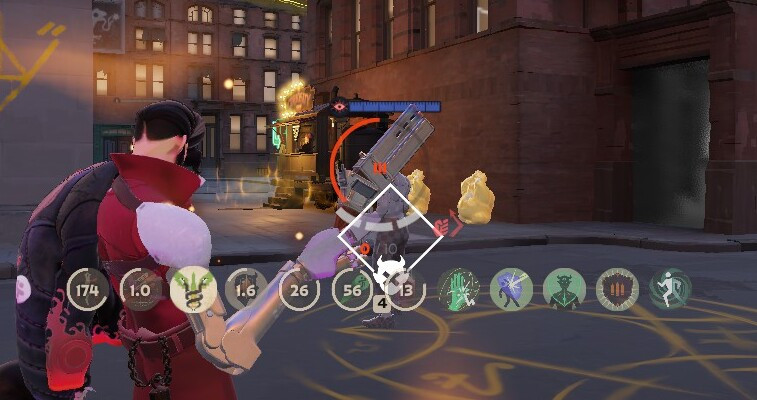
- pak_05 - QoL, 4:3 fix + extra in-game info/stats
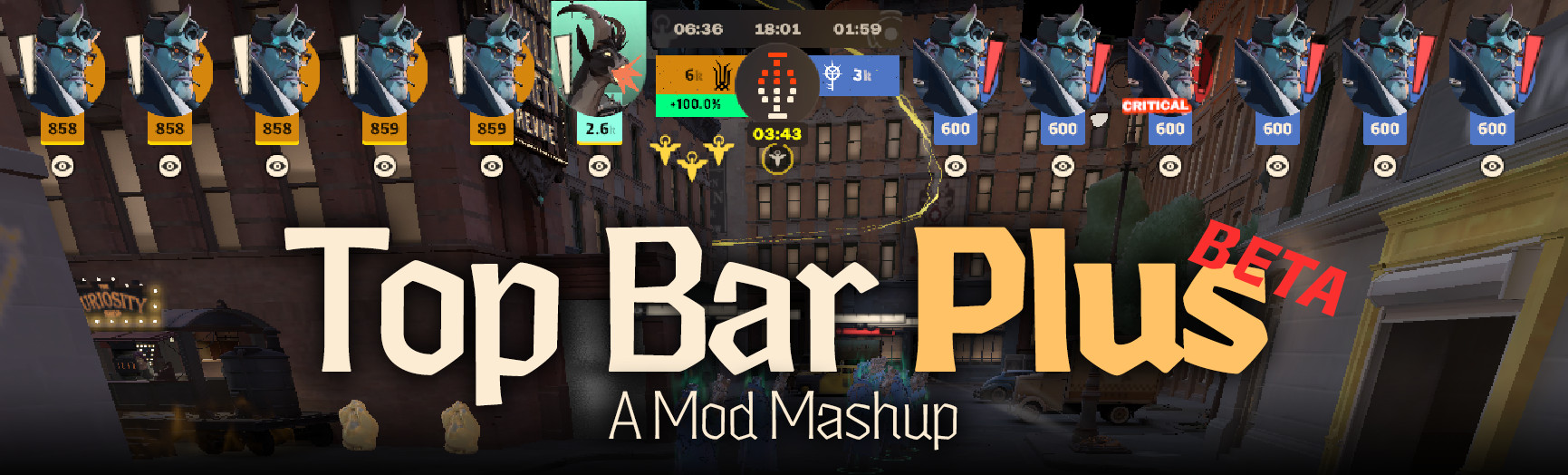
Weak hardware / low fps tip: if your fps is already low, I'd skip the full QoL addon and use something lighter instead - Top Bar or QoL Lite for extra info, or the 4:3 fix specifically if that's your issue. Not included here, just my recommendation, look them up separately on GameBanana.
Pick what you want, none of them are mandatory except pak_03 if you raise mip_bias above 4.
Known issues / FAQ
Default settings on launch - you skipped the video.txt hardware lines, go fix them.
Sinner lamps broken - your mip_bias is 5+, install pak_03 (fix addon).
Game looks too rough - lower mip_bias to 0-4, or/and skip pak_01/pak_02.
Tower hp bars invisible - gameinfo.gi, citadel_hud_objective_health_enabled, range 0-3 (0 off, 1 shrines only, 2 guardians+walkers, 3 all).
No hero portraits in post-match stats - citadel_portrait_world_renderer_off, false = show, true = hide.
Portraits are black silhouettes - lb_enable_lights "1" and lb_enable_dynamic_lights "true", both required together, master light toggles.
Map draw distance too short - r_farz, range 1000-10000, higher = further.
Not sure if I should use pak_01 (Robloxlock)? - It's experimental and doesn't behave the same for everyone - for some it helps stability, for others it can hurt performance. Test with it on and off, compare your fps/stutters, keep whichever feels better on your specific hardware.
In-game settings I recommend
Everything on minimum, VSync ON, whether to play with anti-aliasing or not is up to you, for me the image gets too blurry, if Upscaling technology is enabled and you're using Stretch, there's no point setting render quality below 85%, I play at 100%, the pixels on your screen won't boost your fps. Screenshot of my settings is included in the files.
Addons used (special thanks!)
- pak_01 (Robloxlock) - by winterdl, link
- pak_02 (Potatolock) - by abuzitin2000, link
- pak_03 (Sinner's Light fix) - author unknown, got this from a Telegram channel, couldn't find the original source on GameBanana. If you know who made this, let me know and I'll add proper credit.
- pak_04 (Black skybox) - by soyerfps, link
- pak_05 (QoL) - by civo and their team/helpers, link
Thanks for reading, hope you enjoy the freak stability cfg!